




Samsung refrigerators are packed with smart technology, digital control panels, and advanced cooling systems. But like any modern appliance, they can occasionally run into glitches. I have personally seen situations where the display freezes, the refrigerator stops cooling after a power outage, or the control panel becomes unresponsive.
In many of those cases, learning how to reset Samsung refrigerator models properly solves the issue in just a few minutes. Whether you are dealing with error codes, demo mode, or a stubborn water filter light, a reset can often restore normal operation without needing a service technician.
This guide walks through every major reset method used on Samsung refrigerators, including power resets, control panel resets, smart refrigerator network resets, and Family Hub factory resets.
When Should You Reset a Samsung Refrigerator?
Before resetting the appliance, I always try to identify the type of problem first. Resetting works best when the issue involves software glitches rather than mechanical failures.
Common situations where a reset helps include:
- The display panel becomes frozen or unresponsive
- The refrigerator shows error codes like 88 88
- Cooling stops after a power outage
- The fridge accidentally enters Demo Mode
- The water filter indicator stays on
- Smart refrigerators experience Wi-Fi connection issues
If the refrigerator is making loud noises, leaking water, or not cooling at all, the issue may involve hardware components such as the compressor or fan.
How Do I Perform a Hard Reset on a Samsung Refrigerator?
The most effective reset method I usually try first is a power cycle, also called a hard reset. This clears temporary electrical glitches in the system.
Hard Reset (Power Cycle)
- Disconnect the refrigerator from the wall outlet.
- Leave the unit powered off for 5 to 10 minutes.
- Plug the refrigerator back in or switch the circuit breaker back on.
- Wait for the refrigerator to restart. You should hear a chime or compressor hum.
This method is particularly helpful when the refrigerator displays error codes like 88 88 or stops responding to control inputs.
After completing this step, the refrigerator should return to normal operation.
Which Button Combination Resets Samsung Refrigerator Controls?
If the refrigerator display is active but not responding, I use the control panel reset combinations built into most Samsung refrigerators.
System Reset (Power Freeze + Power Cool)
This is one of the most widely used reset methods.
- Press and hold Power Freeze and Power Cool simultaneously.
- Continue holding the buttons for 5 to 10 seconds.
- A chime usually confirms that the system reset succeeded.
This reset clears many display and control panel errors.
Soft Reset (Energy Saver + Lighting)
Some models include another reset option.
- Press and hold Energy Saver and Lighting together.
- Hold the buttons for 8 to 10 seconds.
- The control panel should restart.
I usually try this method when the display stays active but certain functions stop responding.
How to Reset the Samsung Refrigerator Water Filter Light
Samsung refrigerators remind users to replace the water filter approximately every six months. After replacing the filter, the indicator light may remain active.
To reset the filter indicator:
- Locate the Filter Reset button on the control panel.
- Press and hold the button for 3 to 5 seconds.
- The indicator light should turn off.
Some models require holding the Alarm button instead of Filter Reset.
How to Reset Samsung Refrigerator After a Power Outage
Power outages sometimes cause the refrigerator’s internal system to behave unexpectedly. When that happens, I perform a reset and allow the refrigerator time to stabilize.
Steps to follow:
- Unplug the refrigerator.
- Wait 5 to 10 minutes.
- Restore power.
- Check the temperature settings.
The refrigerator may need up to 24 hours to return to optimal cooling.
How to Turn Off Demo Mode (Cooling Off Mode)
Demo mode disables cooling while leaving lights and display functions active. Retail stores often use this mode for showroom displays.
If the refrigerator display shows OF OF or OFF, it likely entered demo mode.
To disable demo mode on newer models:
- Press and hold Freezer, Energy Saver, and Lighting buttons.
- Hold them for about 10 seconds.
- The refrigerator should resume cooling.
Family Hub models use a different method through the touchscreen interface.
How to Reset Wi-Fi on a Samsung Smart Refrigerator
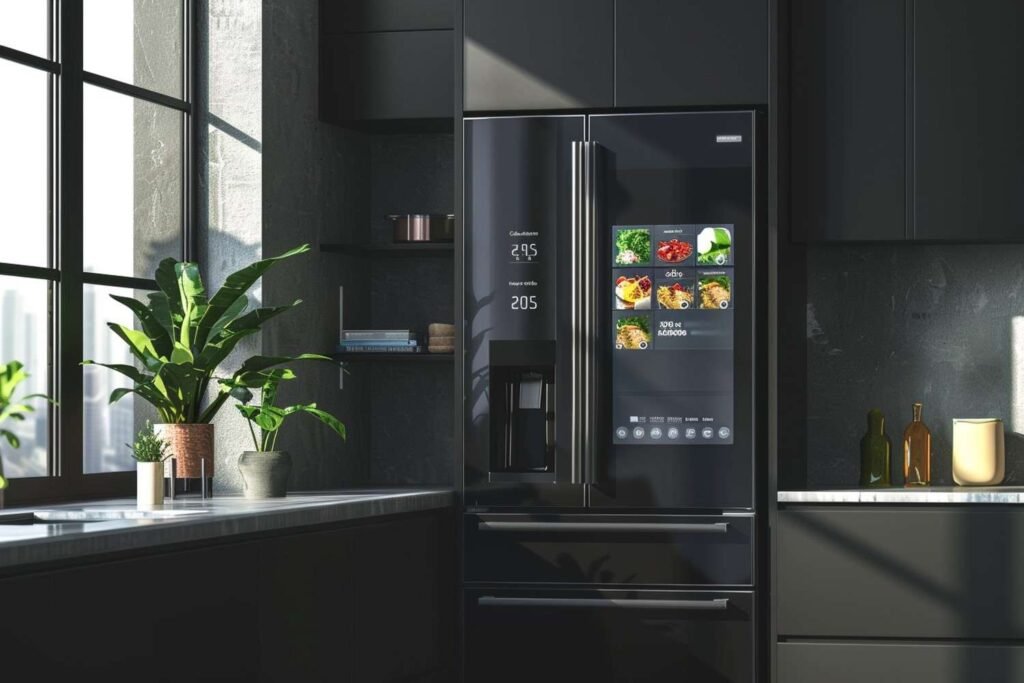
Smart Samsung refrigerators allow Wi-Fi connectivity through the SmartThings platform. If the refrigerator cannot connect to Wi-Fi, a network reset may help and can also fix slow internet at home issues that affect smart features and app connectivity.
To reset network settings:
- Press and hold the Lock button for 12 seconds.
- The display will show A and r.
- The refrigerator erases Wi-Fi information and resets network settings.
After this, reconnect the refrigerator to Wi-Fi through the SmartThings app.
How to Reset the Samsung Family Hub Screen
Samsung Family Hub refrigerators include a touchscreen interface that may occasionally freeze.
To reset the screen:
- Locate the small panel at the top of the right door.
- Find the red reset switch behind the panel.
- Turn the switch off.
- Wait 15 seconds.
- Turn the switch back on.
The screen should restart normally.
How to Perform a Factory Reset on Samsung Family Hub
A factory reset clears all user data, apps, and connected accounts. I only recommend this option when troubleshooting serious software problems.
Steps for a factory reset:
- Open Settings on the Family Hub display.
- Select About Family Hub.
- Choose Factory Data Reset.
- Tap RESET.
This will restore the refrigerator’s smart system to its original state.
What Should You Do If Resetting the Refrigerator Doesn’t Work?
If the refrigerator still does not work correctly after attempting these resets, the issue may involve a hardware component.
Common causes include:
- faulty temperature sensors
- compressor problems
- damaged control boards
- blocked condenser coils
- malfunctioning fan motors
Cleaning the condenser coils, checking door seals, and ensuring proper airflow can sometimes solve cooling issues.
If the problem continues, contacting a professional appliance technician may be necessary.
Frequently Asked Questions (FAQs)
1. How do I reset my Samsung refrigerator quickly?
The fastest method is unplugging the refrigerator for five minutes and plugging it back in. This basic power reset clears many temporary glitches.
2. Where is the reset button on Samsung refrigerators?
Most Samsung refrigerators do not include a single reset button. Instead, they rely on button combinations such as Power Freeze + Power Cool.
3. Why is my Samsung refrigerator showing 88 88?
The 88 88 code usually indicates a power interruption or system glitch. Performing a power cycle typically resolves the problem.
4. How long should I unplug my refrigerator to reset it?
Leaving the refrigerator unplugged for five to ten minutes allows the internal system to fully reset.
Conclusion
Understanding how to reset Samsung refrigerator models safely can save time and avoid unnecessary service calls. I always start with a simple power cycle and then move on to control panel resets if needed.
Whether the issue involves error codes, demo mode, Wi-Fi connectivity, or the Family Hub screen, these reset methods can often restore normal operation quickly.
If the refrigerator still fails to cool or shows persistent errors after trying these steps, the issue may require professional repair. But in many situations, a quick reset is all it takes to bring the refrigerator back to normal.