




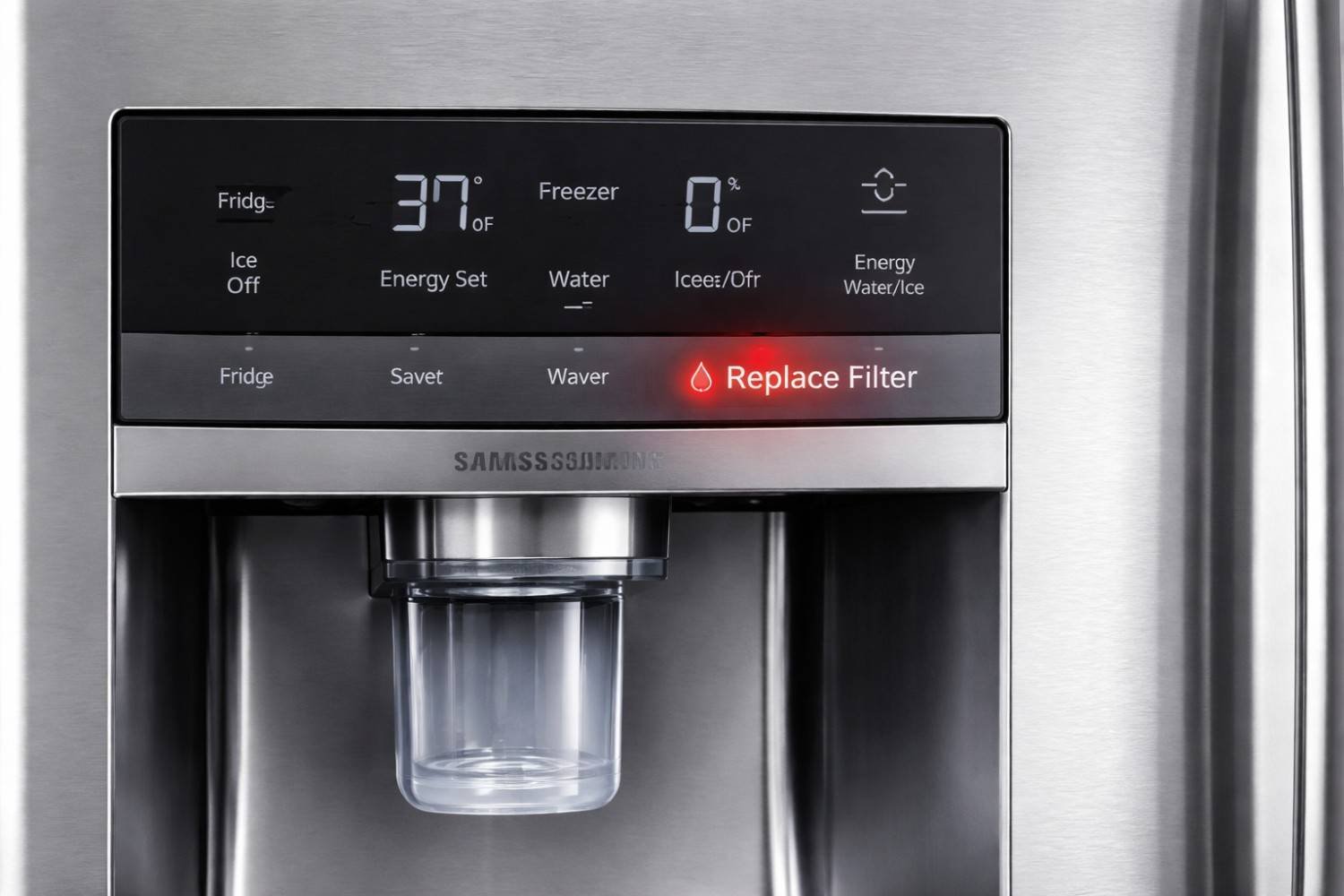
When the filter light on my Samsung refrigerator turned red, I initially thought something was wrong. In reality, it’s simply a reminder that the water filter has reached its recommended lifespan, usually around six months or about 300 gallons of filtered water.
If you recently replaced the filter and the light is still on, the system just needs a quick reset. In this blog, I’ll show you how to reset the water filter light on your Samsung French door refrigerator using the correct buttons or touchscreen settings.
Why the Samsung Refrigerator Filter Light Turns Red
Samsung refrigerators include a built-in filter monitoring system. This system tracks water usage and reminds homeowners when the filter should be replaced.
When the filter reaches the end of its recommended cycle, the indicator typically changes color:
Blue usually means the filter is working normally
Orange indicates the filter will need replacement soon
Red means the filter should be replaced
Replacing the filter keeps drinking water clean and prevents sediment or chlorine from affecting taste. Once a new filter is installed, resetting the system tells the refrigerator to begin a new monitoring cycle.
Standard Reset Methods for Samsung French Door Refrigerators

Most Samsung French door refrigerators do not have a dedicated reset button. Instead, the reset function is built into another control panel button.
Here are the most common reset methods used in models sold across the United States.
Filter Reset Button Method
Some refrigerators include a button labeled Filter Reset.
Steps I usually follow:
Locate the refrigerator control panel
Find the button labeled Filter Reset
Press and hold the button for about three seconds
Release the button once the indicator turns blue or disappears
If successful, the filter indicator should immediately reset.
Alarm Button Reset Method
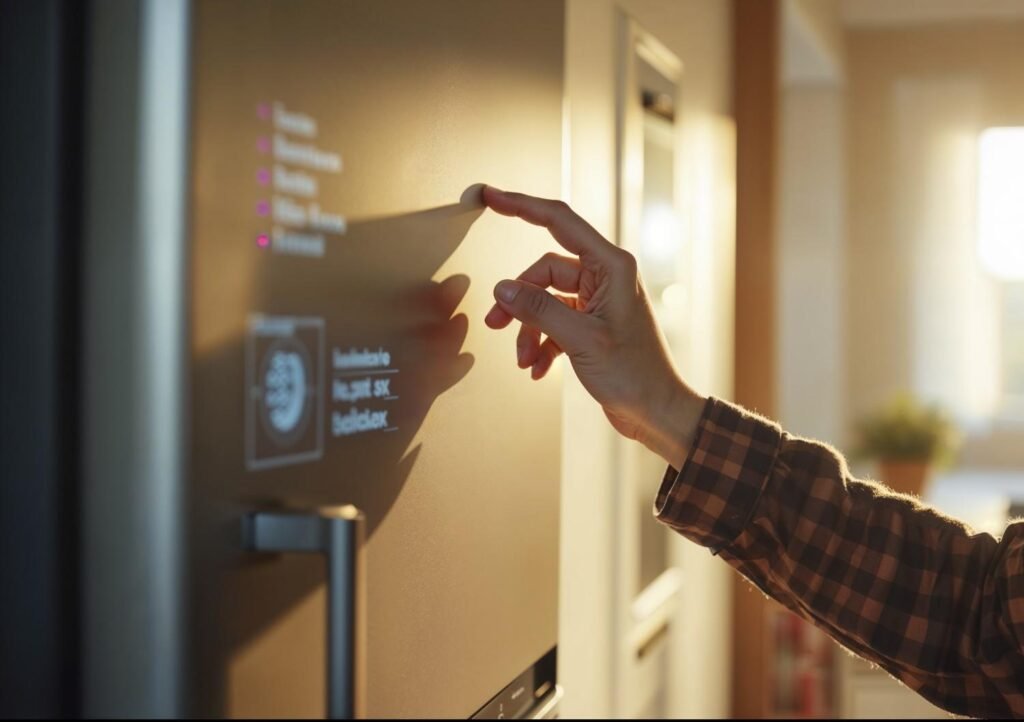
Many Samsung models use the Alarm button for resetting the filter indicator.
Steps:
Locate the Alarm or Door Alarm button
Press and hold the button for three seconds
Wait for the refrigerator to chime and reset the filter indicator
This method is extremely common in modern Samsung French door refrigerators.
Ice Type and Child Lock Button Combination
Some control panels require pressing two buttons together.
To reset using this method:
Press Ice Type and Child Lock simultaneously
Hold both buttons for about three to five seconds
Release once the filter indicator resets
This combination performs a quick reset on several Samsung refrigerator models.
Fridge and Power Cool Button Combination
Certain four-door Samsung refrigerators use the Fridge and Power Cool buttons for system resets.
To perform this reset:
Press Fridge and Power Cool together
Hold both buttons for three seconds
Wait for the indicator to reset
This method performs a soft reset of the refrigerator display and filter indicator.
Energy Saver and Lighting Button Combination
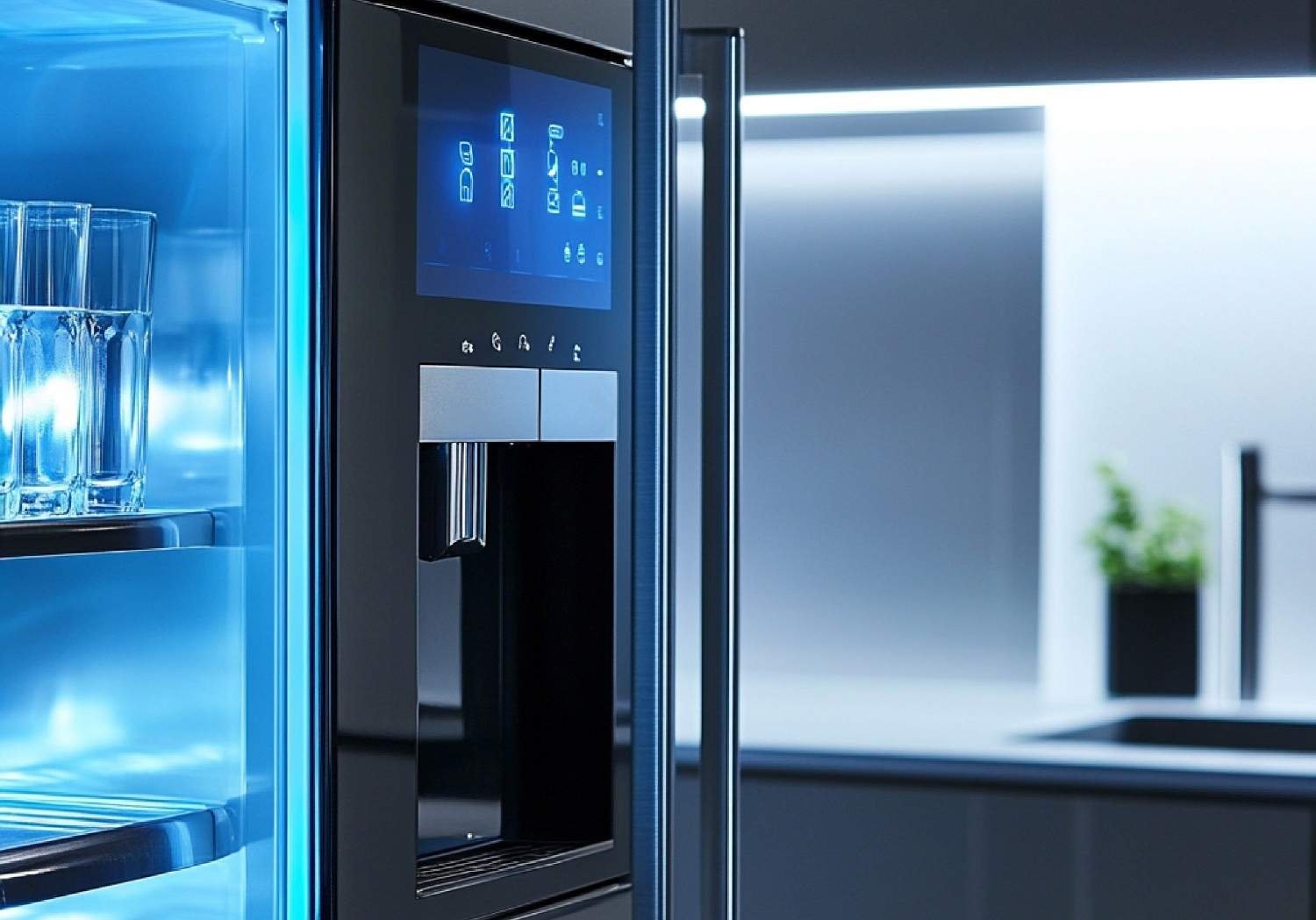
Some older Samsung models use a different control panel layout.
If your refrigerator includes Energy Saver and Lighting buttons:
Press Energy Saver and Lighting at the same time
Hold both buttons for three seconds
Release once the filter light resets
Although less common, this method works on select refrigerator models.
Resetting the Filter Light on Samsung Family Hub Refrigerators
If your refrigerator includes a touchscreen, the reset must be performed through the digital interface instead of the physical buttons.
Steps I typically follow:
Tap Apps on the Family Hub home screen
Open Fridge Manager
Select Fridge Settings
Tap Water Filter
Choose Reset and confirm
This process updates the filter monitoring system and clears the warning indicator.
Troubleshooting if the Filter Light Stays Red
Occasionally the reset process does not work the first time. When this happens, I check a few common issues.
Unlock the Control Panel
Samsung refrigerators often include a control lock feature.
If the lock icon is visible, hold the Control Lock or Door Alarm button for three seconds to unlock the panel before attempting a reset.
Confirm the Filter Is Installed Correctly
Sometimes the filter is not fully seated.
Remove the filter and reinstall it by rotating clockwise until the lock symbol aligns with the indicator mark.
A loose filter can prevent the refrigerator from recognizing the replacement.
Power Cycle the Refrigerator
If the display becomes unresponsive, unplug the refrigerator for one to five minutes.
Plug the appliance back in and repeat the reset procedure.
Power cycling clears temporary electronic glitches in the control board.
Flush the Water System
After installing a new filter, Samsung recommends flushing the system.
Dispense approximately two to three gallons of water through the dispenser. This removes air and loose carbon particles from the new filter.
When to Replace a Samsung Refrigerator Water Filter
Most Samsung filters should be replaced every six months.
However, you may need to replace the filter sooner if you notice:
Reduced water flow from the dispenser
Cloudy or odd-tasting water
Hollow ice cubes or slow ice production
The filter indicator turning red earlier than expected
Regular maintenance keeps the refrigerator’s filtration system functioning efficiently.
Knowing how to reset the water filter light on your Samsung French door refrigerator helps ensure the replacement filter is properly tracked by the system.
Frequently Asked Questions (FAQs)
1. Why is my Samsung refrigerator filter light still red after replacing the filter?
The indicator may stay red if the filter was not installed correctly, the control panel is locked, or the reset button was not held long enough.
2. Do all Samsung refrigerators use the same reset method?
No. Samsung uses several control panel layouts. Depending on the model, the reset may involve the Alarm button, Filter Reset button, or combinations such as Ice Type plus Child Lock.
3. How long should I hold the reset button?
Most Samsung refrigerators require holding the reset button or button combination for three to five seconds.
4. Is it safe to use the refrigerator without replacing the filter?
While the refrigerator will still function, an old filter can reduce water quality and flow. Replacing the filter regularly keeps drinking water clean and fresh.
Conclusion
Once you understand how to reset the water filter light on your Samsung French door refrigerator, maintaining your refrigerator becomes much easier. The reset process usually takes only a few seconds and ensures the refrigerator accurately tracks the lifespan of the installed filter.
Whenever I replace a refrigerator filter, I reset the indicator immediately so the system starts a fresh monitoring cycle. Combined with regular filter replacement and proper installation, this small step helps keep water quality high and the refrigerator running efficiently for years.