




When my Whirlpool washer suddenly stops responding or gets stuck in the middle of a cycle, the first thing I try is a reset. Modern washers rely heavily on electronic control boards, and sometimes those systems simply need a reboot to start working properly again.
Knowing how to reset your Whirlpool washer can save time, prevent unnecessary service calls, and get your laundry routine back on track quickly. Most Whirlpool models used in American homes—including top-load, front-load, and Cabrio washers—support several reset methods that clear temporary glitches, sensor errors, and control panel freezes.
In this guide, I’ll walk through the most reliable reset techniques used by appliance technicians and recommended in manufacturer troubleshooting resources.
Why Would You Need to Reset a Whirlpool Washer?
Before performing a reset, I usually identify the symptoms causing the issue. A reset is commonly used to resolve temporary electronic faults.
Common situations where a reset helps include:
- Washer stuck on sensing mode
- Control panel not responding
- Washer stuck mid-cycle
- Persistent error codes
- Lid lock not releasing
- Washer refusing to start
In many cases, a reset clears residual electrical charge from the control board and restores normal operation.
Universal Power Reset (Hard Reset)
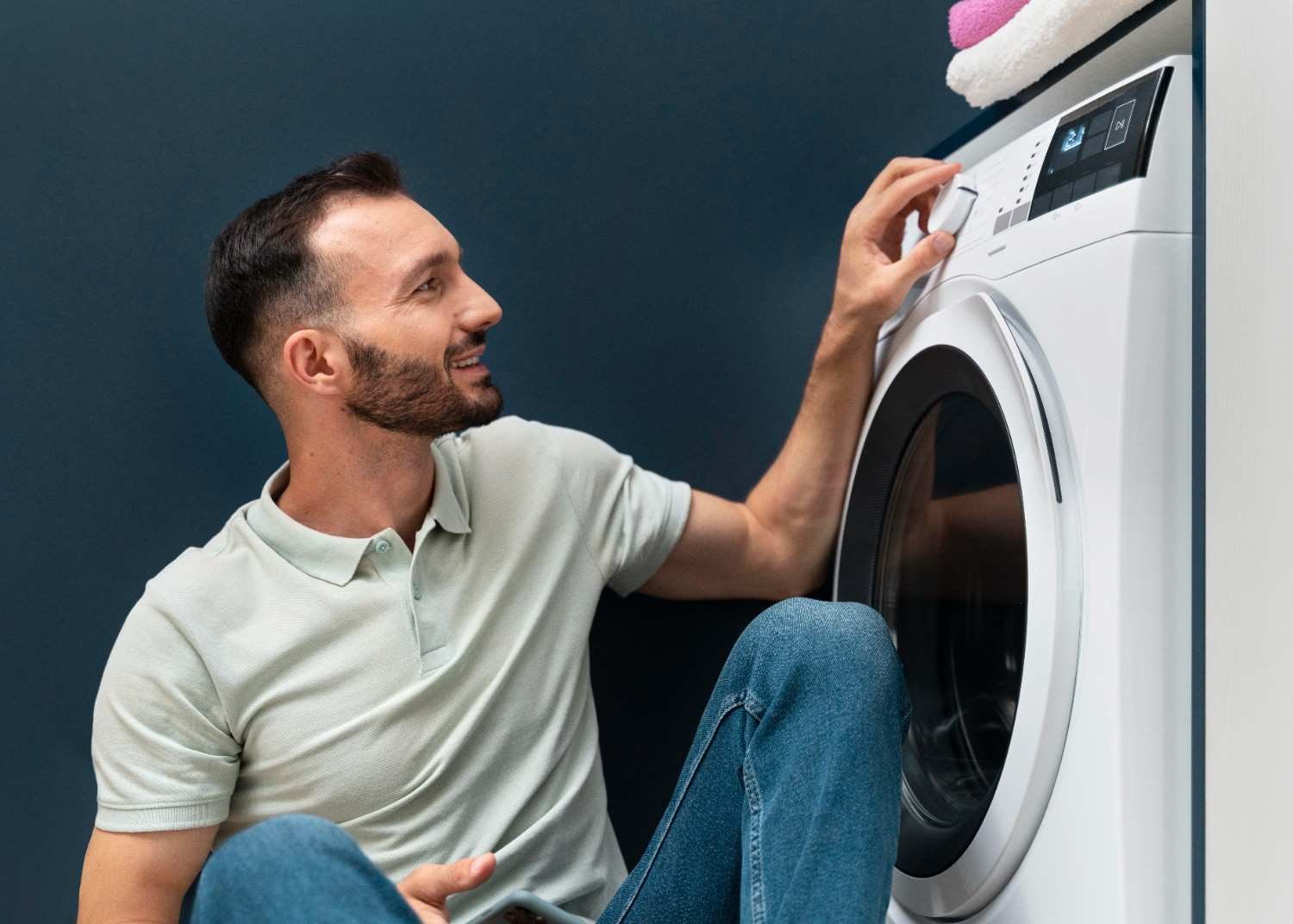
The power reset is the most reliable method because it forces the washer’s electronic control system to reboot.
Step-by-Step Power Reset
- Turn off the washer.
- Unplug the washer from the wall outlet.
- Wait 1 to 5 minutes so the electrical charge dissipates.
- Plug the washer back in.
- Turn the machine on and run a simple cycle such as Rinse and Spin.
This method works for most Whirlpool washers sold in the United States, including both top-load and front-load models.
Whenever my washer becomes unresponsive, this is usually the first solution I try when learning how to reset your Whirlpool washer.
The Lid-Lift Reset Method (Top-Load Models)
Many Whirlpool top-load washers allow you to reset internal sensors without unplugging the machine.
Steps for the Lid Reset
- Ensure the washer is plugged in but not running.
- Open and close the lid six times within 12 seconds.
- Fully open and firmly close the lid each time.
- Listen for a click or watch for the control lights to clear.
This process resets the washer’s sensor system and often resolves issues like sensing cycles that never progress.
Dial Sequence Reset (Calibration Mode)
Some Whirlpool washers with a physical cycle dial allow entry into a diagnostic calibration mode.
Dial Reset Sequence
- Turn the dial to the 12 o’clock position (Normal cycle).
- Perform the following sequence within 6–10 seconds:
- One click left
- Three clicks right
- One click left
- One click right
- All indicator lights should illuminate.
- Rotate the dial until only the Rinse light remains on.
- Press Start to run the calibration cycle.
The washer will run a brief diagnostic routine that recalibrates sensors and internal components.
This reset technique is especially useful for washers stuck during load detection or water level sensing.
Control Panel Reset (Front-Load and Touchscreen Models)
Front-load Whirlpool washers often use digital controls or touch panels that support built-in reset shortcuts.
Control Panel Reset Methods

Cancel/Power Method
- Press Pause/Cancel twice.
- Press the Power button once.
Button Hold Method
- Press and hold Start/Pause and Power/Cancel together.
- Hold for about 5 seconds.
Factory Reset for Smart Models
For smart washers with a touchscreen:
- Open the settings menu.
- Navigate to Info.
- Select Restore Factory Settings.
These resets clear stored errors and restore default settings.
Troubleshooting Specific Washer Problems
Even after a reset, certain issues may still occur. In those situations, I check for common mechanical or configuration problems.
Washer Door Will Not Unlock
If the door remains locked after a cycle:
- Unplug the washer.
- Wait about 5 minutes.
- Restore power.
This process often triggers a manual release mechanism.
Control Lock Is Activated
If the display shows Loc, the control panel is locked.
To unlock it:
- Press and hold the Control Lock button.
- Hold for about 3 seconds.
The controls should unlock and allow normal operation.
When a Reset Will Not Fix the Washer
While resets solve many issues, they cannot repair mechanical faults.
Problems that may require professional repair include:
- Broken lid lock assemblies
- Faulty drain pumps
- Damaged control boards
- Water inlet valve failures
- Blocked drain hoses
If error codes repeatedly appear after performing the reset steps, the washer may need further inspection.
In those cases, appliance technicians often recommend checking the owner’s manual or contacting Whirlpool service support.
Preventing Whirlpool Washer Control Issues
Over time I’ve found that simple maintenance helps prevent many washer problems.
Helpful habits include:
- Avoid overloading the washer
- Use the correct detergent amount
- Keep the washer level
- Clean filters and hoses periodically
- Run occasional cleaning cycles
Proper maintenance keeps sensors functioning correctly and reduces the need for troubleshooting how to reset your Whirlpool washer again.
Frequently Asked Questions
1. How do I reset my Whirlpool washer quickly?
The fastest reset method is unplugging the washer for about one to five minutes and plugging it back in. This clears residual electrical charge from the control board.
2. Why is my Whirlpool washer stuck on sensing?
A washer may remain stuck on sensing due to an unbalanced load, faulty lid switch, or sensor calibration error. Performing a reset usually resolves the issue.
3. Does unplugging a washer reset it?
Yes. Unplugging the washer removes power from the electronic control system, forcing it to reboot when power returns.
4. What does “Loc” mean on a Whirlpool washer?
“Loc” indicates the control lock feature is enabled. Press and hold the Control Lock button for three seconds to disable it.
Final Thoughts
Learning how to reset your Whirlpool washer is one of the simplest troubleshooting skills a homeowner can have. Most washer issues—like frozen controls, stuck cycles, or sensor glitches—can be resolved within minutes using the reset methods outlined above.
By understanding power resets, lid resets, dial calibration sequences, and control panel shortcuts, you can quickly restore your washer and keep laundry running smoothly without calling for repairs.