




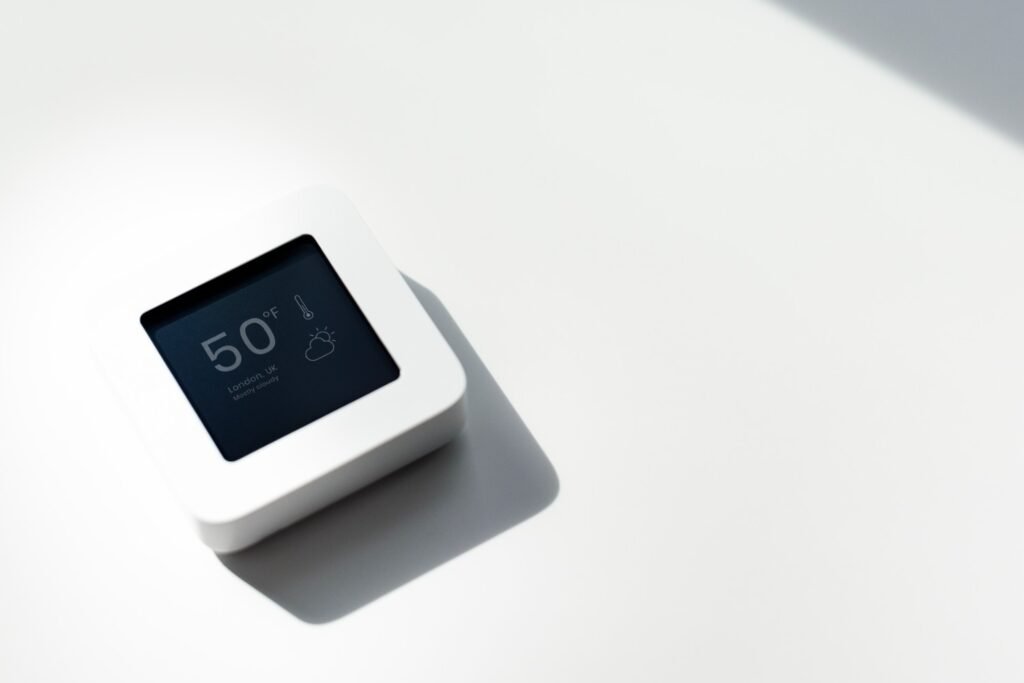
Carrier thermostats control millions of heating and cooling systems across American homes. When something goes wrong, the thermostat often becomes the first place to troubleshoot. A blank screen, frozen buttons, incorrect temperature readings, or a forgotten passcode can stop the HVAC system from working properly.
Knowing how to reset your Carrier thermostat can quickly restore communication between the thermostat and your heating or air-conditioning system. In many cases, a simple reset clears temporary glitches, restores default settings, and gets your system running again without calling a technician.
In this guide, I will walk through the most reliable reset methods used in U.S. homes. These steps cover standard programmable thermostats, smart thermostats like the Côr series, and advanced systems such as Carrier Infinity.
Why a Carrier Thermostat May Need a Reset
Thermostats are small computers that control your entire HVAC system. Just like any device, they occasionally encounter software or power issues.
Common situations where resetting helps include:
- Blank or unresponsive thermostat screen
- Frozen buttons or menus
- Incorrect indoor temperature readings
- HVAC system not responding to commands
- Wi-Fi connection issues on smart thermostats
- Forgotten thermostat lock codes
These problems often occur after power outages, system updates, or electrical interruptions.
Method 1: Power Cycle Reset (Works for Most Carrier Thermostats)
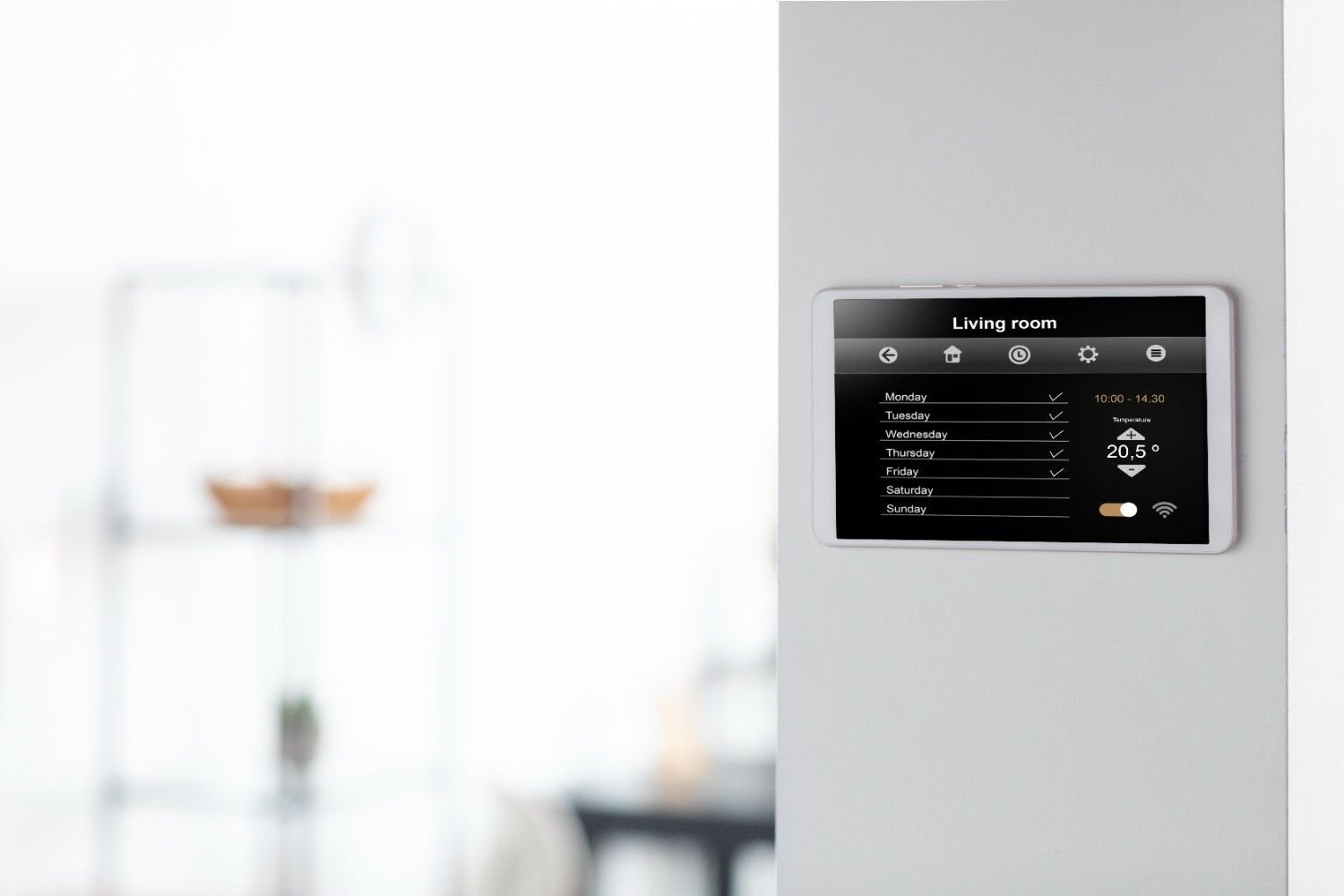
The simplest and most universal solution is a full power cycle. This method removes power from the thermostat and HVAC equipment so the system can reboot.
- On the thermostat screen, select Mode and set the system to Off.
- Locate your home’s electrical panel.
- Turn off the breaker labeled AC, Furnace, or Air Handler.
- Leave the power off for at least 30 seconds. For a deeper reset, wait up to 30 minutes.
- Turn the breaker back on.
- Return to the thermostat and select your preferred mode such as Heat, Cool, or Auto.
This process clears stored electrical charge and often fixes system communication issues.
When homeowners search for how to reset your Carrier thermostat, this power-cycle method is usually the first and most effective troubleshooting step.
Method 2: Reset Through the Thermostat Menu (Smart & Programmable Models)
Many modern Carrier thermostats include digital menus that allow factory resets through system settings.
Côr Thermostat Reset
- Tap Main Menu on the thermostat display.
- Select Settings.
- Choose Reset.
- Select the reset option you want:
- Registration reset
- Preferences reset
- Full factory reset
Choosing Reset All restores the thermostat to factory settings.
After the reset, you will need to reconnect Wi-Fi and reconfigure temperature schedules.
Standard Programmable Thermostat Reset
Some Carrier programmable thermostats allow a reset using front-panel controls.
- Press and hold the System or Home button.
- Hold the button for 5–10 seconds.
- The thermostat will restart and restore default settings.
This reset clears many software glitches affecting programmable units.
Method 3: Battery Reset for Older Carrier Thermostats
Many older thermostats still rely on battery power. When the screen goes blank or controls stop responding, battery resets often solve the problem.
- Gently pull the thermostat away from the wall mounting plate.
- Remove the batteries (usually AA or AAA).
- Wait about 5 minutes to clear the device memory.
- Insert fresh batteries.
- Reattach the thermostat to the wall.
If the thermostat display was blank before the reset, fresh batteries usually restore the screen immediately.
Method 4: Resetting a Carrier Infinity Thermostat
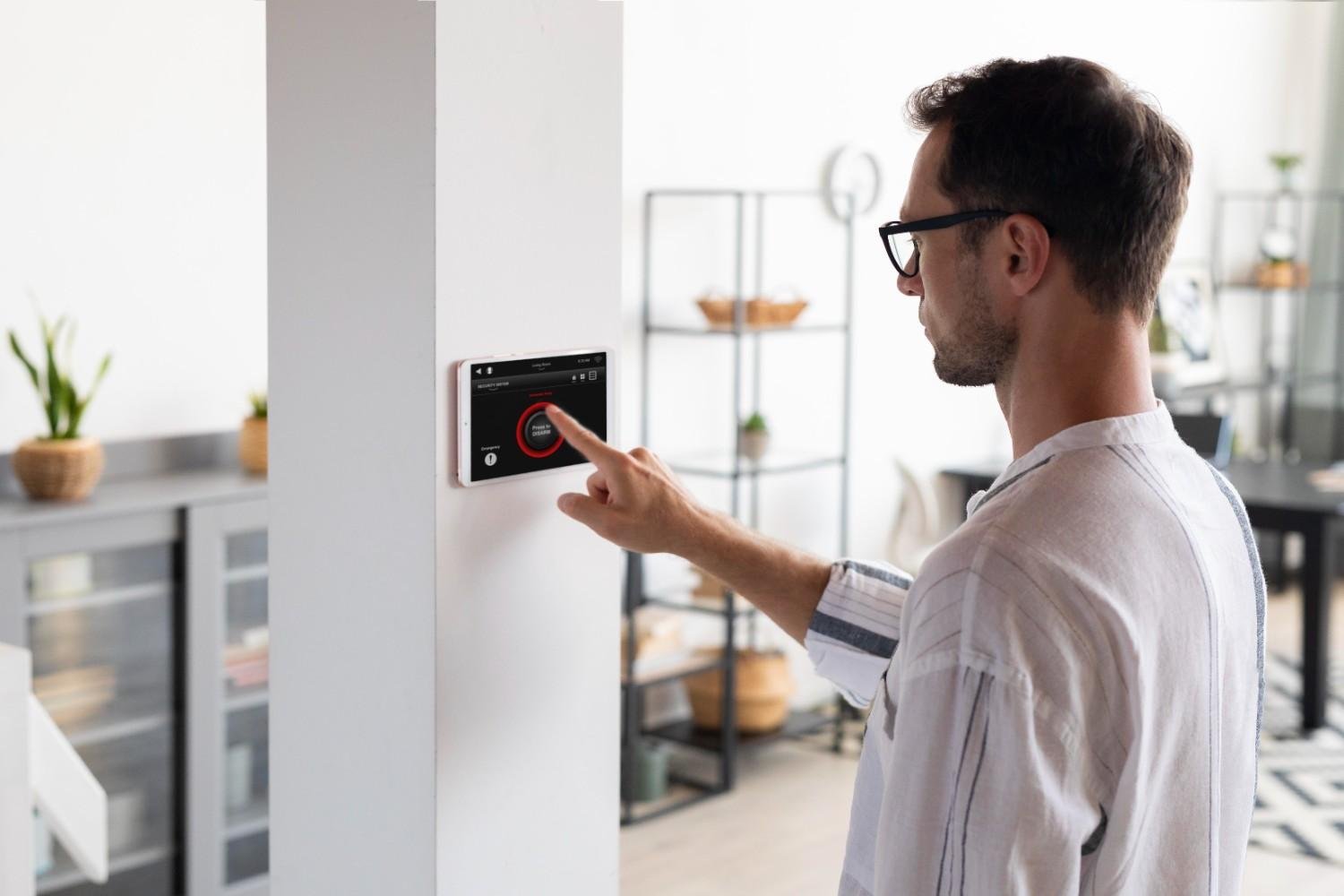
Carrier Infinity systems use advanced system controllers. Resetting these devices sometimes requires removing the thermostat temporarily.
- Carefully remove the thermostat from the wall plate.
- Leave it disconnected for 30 seconds.
- Reattach the thermostat.
- Allow the system to reboot.
This reset restores communication between the Infinity controller and the HVAC (Heating, Ventilation and Air-Conditioning Systems) equipment.
Method 5: Unlocking a Locked Carrier Thermostat
Some Carrier thermostats include a lock feature to prevent changes. If you see a lock icon on the screen, the thermostat may appear frozen.
To unlock it:
- Press and hold the Mode button.
- At the same time, hold the Up and Down arrow buttons.
- Continue holding for several seconds until the lock icon disappears.
If the thermostat asks for a code and you do not remember it, try common default codes such as:
- 1234
- 0000
Unlocking the thermostat often restores normal control without needing a full reset.
Quick Troubleshooting Before Resetting
Before performing a reset, it helps to check a few simple issues that commonly affect thermostat operation.
Look for these problems first:
- Dead batteries
- Tripped HVAC circuit breaker
- Loose thermostat wiring
- Dirty air filters restricting airflow
- Wi-Fi connectivity issues
Many thermostat issues actually originate from the HVAC system rather than the thermostat itself.
When a Thermostat Reset Will Not Fix the Problem
Sometimes resetting the thermostat does not resolve the issue. If the system continues malfunctioning, the cause may involve other components.
Possible causes include:
- Faulty HVAC control board
- Wiring damage behind the wall
- Malfunctioning temperature sensors
- Outdated thermostat firmware
If these problems occur, contacting a licensed HVAC technician is usually the best solution.
Still, learning how to reset your Carrier thermostat can save time and prevent unnecessary service calls in many situations.
Tips to Prevent Future Thermostat Problems
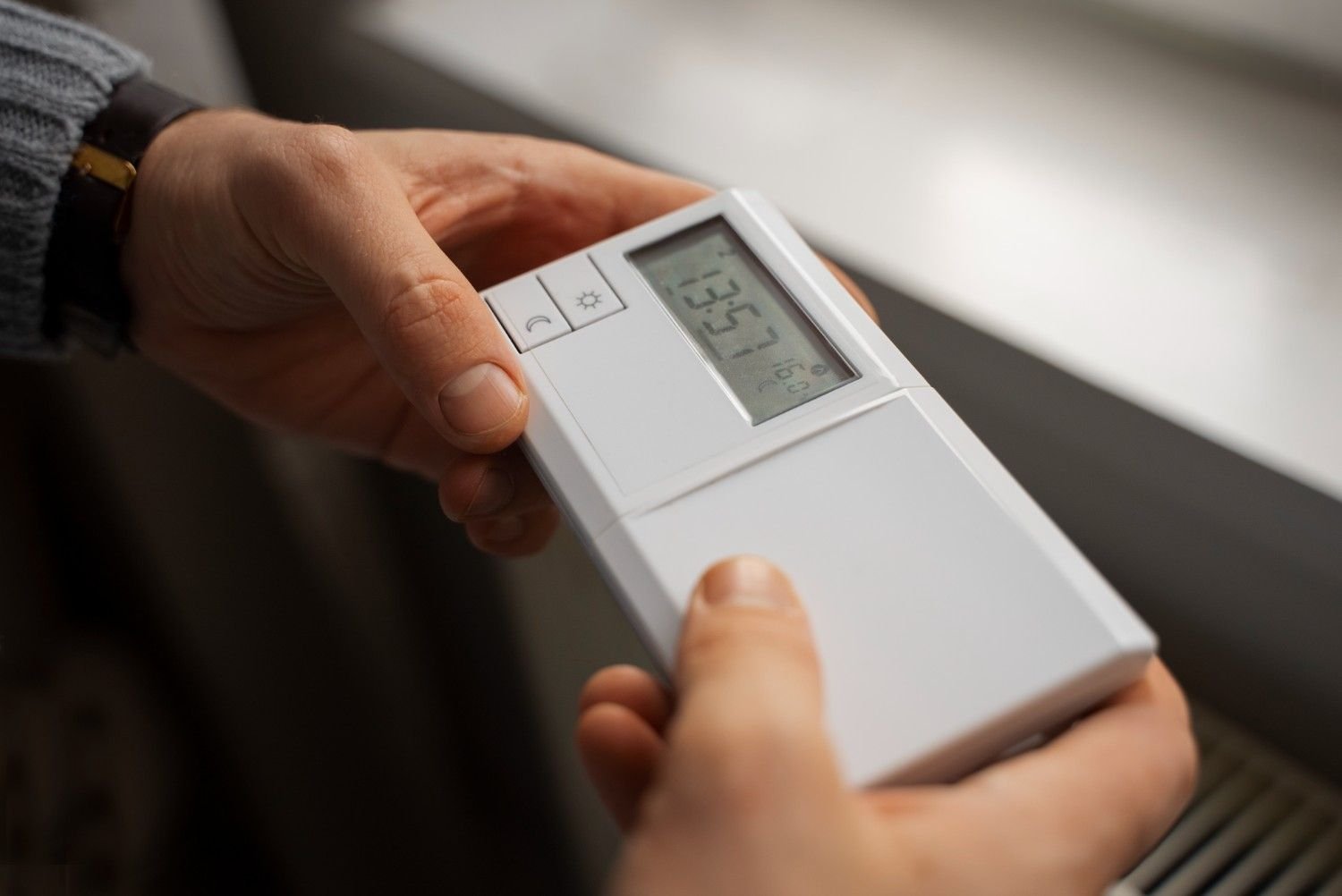
Small maintenance habits can keep your thermostat running smoothly.
Helpful tips include:
- Replace thermostat batteries once a year
- Schedule annual HVAC inspections
- Keep the thermostat clean and dust-free
- Install surge protection for HVAC equipment
- Update smart thermostat software regularly
These simple steps improve system reliability and reduce the need for troubleshooting.
Frequently Asked Questions (FAQs)
1. How do I know if my Carrier thermostat needs a reset?
If the thermostat becomes unresponsive, shows incorrect temperatures, or fails to activate heating or cooling, resetting it may restore normal operation.
2. Will resetting my thermostat erase settings?
A power cycle reset typically keeps existing settings. A factory reset removes schedules, Wi-Fi connections, and customized preferences.
3. Why is my Carrier thermostat screen blank?
The most common causes are dead batteries, power loss, or a tripped circuit breaker connected to the HVAC system.
4. How often should you reset a thermostat?
Resetting should only be used for troubleshooting. Frequent resets may indicate deeper HVAC system problems.
Conclusion
Thermostat problems can feel frustrating, especially when they interrupt heating or cooling during extreme temperatures. Fortunately, most issues can be solved quickly with the right reset procedure.
Whether the solution involves power cycling the system, resetting through the thermostat menu, replacing batteries, or unlocking a locked screen, these steps restore normal thermostat operation in many situations.
Understanding how to reset your Carrier thermostat gives homeowners a reliable troubleshooting tool that can restore comfort without waiting for professional service.
If the thermostat continues malfunctioning after trying these methods, it may be time to consult an HVAC technician to diagnose the system more thoroughly.